Real people nearby when recovery matters.
If Something Failed Today, Could You Restore the Data?
Citywide Tech helps Auckland businesses identify backup gaps across Microsoft 365, files, servers, NAS, cloud and key devices, then plan restore testing, monitoring or remediation.
Trusted by 15000+ businesses
since 2007
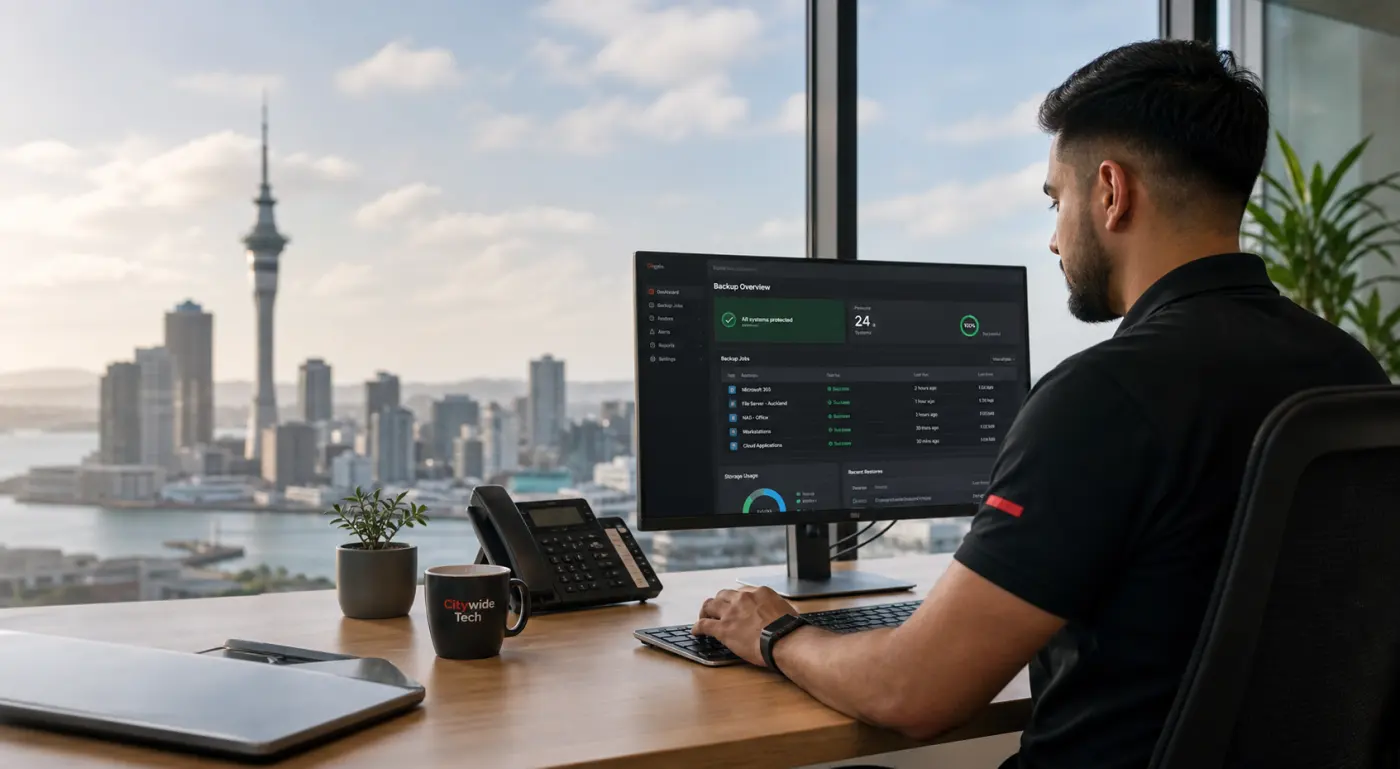
Restore readiness
Know what can be recovered
- Backup gaps identified
- Restore tests planned
- Monitoring options scoped
Secure, private and responsible handling.
Advice you can act on, without jargon.
Turn backup uncertainty into a managed plan.
When backup help makes sense
A backup is only useful if the restore actually works.
Hardware fails. People delete the wrong folder. Ransomware can lock files. Microsoft 365, NAS drives, servers and laptops can all have gaps that are easy to miss until something goes wrong.
- You are not sure what is protected and what is not.
- Backups exist, but no one has tested a restore recently.
- Backup alerts, failed jobs or storage warnings are being ignored.
- Important email, files or server data would stop the business if lost.
What Citywide can handle
Protect the business data people actually rely on.
We help Auckland businesses work through the practical backup questions: what must be protected, how often it changes, how quickly it needs to come back and who responds when something fails.
Microsoft 365
Email, OneDrive, SharePoint, Teams files and cloud collaboration data.
Files and data
File servers, team shares and important business documents.
Servers
Physical and virtual servers, apps, databases and line-of-business systems.
NAS and storage
Network storage, local backup devices and recovery appliances.
Key devices
Laptops, desktops and machines holding business-critical files.
Recovery planning
Restore testing, documentation, alerts and ownership.
How Citywide does the work
Tested backups. Clear alerts. A recovery path you understand.
We look beyond whether backup software is installed. We help confirm what is covered, whether the restore path works, what alerts need attention and whether ongoing monitoring or managed IT support makes sense.
- Backup status and coverage review
- Restore testing and validation where practical
- Monitoring, alerts and monthly reporting options
- Clear recommendations for remediation or ongoing support
Restore verification
Successful
Last test: today, 9:16 am
What happens next
Simple steps from backup concern to action.
Tell us what matters
Send the systems, files or cloud data your business cannot afford to lose.
We triage the risk
We check urgency, current backup status and whether recovery help is needed now.
We recommend next steps
You get practical options for restore testing, remediation, monitoring or support.
We help you act
Citywide can handle one-off recovery work or connect backup into managed IT.
Request help
Tell Us What Data Matters
Send the key details and Citywide will review the backup risk, restore gap or recovery concern and confirm the practical next step.
Backup FAQ
Common backup and recovery questions
How often should backups be tested?
It depends on the system and business risk. Critical data should have a clear restore-test rhythm, not just a backup schedule.
Can you help if we already have backups?
Yes. We can review coverage, alerts, restore tests and whether Microsoft 365, devices, servers or NAS storage have gaps.
How quickly can data be restored?
That depends on the backup design, data size, connection, device condition and recovery target. We can help clarify what is realistic.
Can backup support become ongoing monitoring?
Yes. If the data is critical or backup alerts keep repeating, Citywide can discuss monitoring and managed IT options.