Real people, local support and practical next steps.
Replace the Printer Before It Becomes This Week's Problem
Citywide Tech professionals assess what your business actually needs, then help you decide whether the right move is repair, replacement, buying new or leasing. The goal is a printer that fits your workload: no more, no less.
Trusted by 15000+ businesses
since 2007
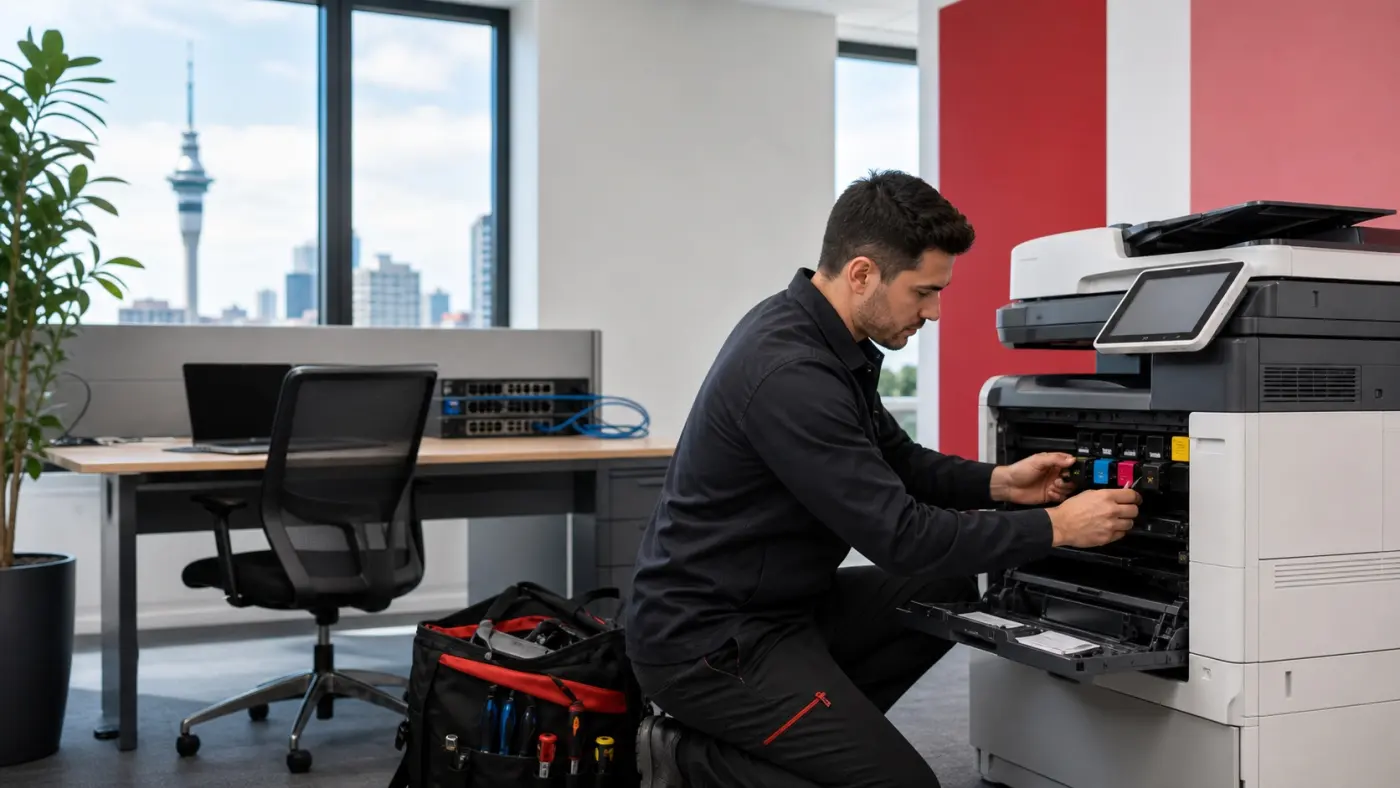
Replace, purchase, install, support
Delivery, installation and setup can be handled together.
We can support toner, parts and service directly or with trusted partners, depending on the option you choose.
Replacing makes sense
When replacement makes more sense than another repair
Repeat faults
You are calling for the same issue again and again.
Old or unsupported device
Parts are hard to get and uptime keeps dropping.
High toner or repair cost
Running costs are rising and repairs are not worth it.
New office or growing team
You need more capacity and a better print workflow.
Make the practical call
Replace, buy, lease or repair? Make the practical call
Not every problem needs a new device. But when cost, reliability or performance is not there, replacing, buying new or leasing is often the smarter move.
Citywide compares the options and recommends what actually makes sense for your business.
Repair
- Lower upfront cost
- Good for minor faults
- Short term fix
- Risk of repeat issues
Best when: the device is reliable and repair is affordable.
Replace
- Better reliability
- Faster print and scan
- Lower running costs
- Longer supported life
Best when: the device is old, slow or costly to keep running.
Lease
- Predictable monthly cost
- Upgrade at end of term
- Can include setup support
- Scales with your team
Best when: you want simplicity, cash-flow stability and support.
Our scope
What Citywide can handle with the new printer
Device right-sizing
Match the device to your team, scan and workflow needs.
Installation and setup
Deliver, install and connect it properly so it works first time.
Print and scan configuration
Set up print, scan to email/folder and user access.
Consumables planning
Set up toner and parts supply so you are not caught short.
Service options
Onsite, remote or workshop support when you need it.
Managed print path
Review multiple devices, toner waste and overall print cost.
Our process
What happens next
Tell us what you have
Share what is not working and what you need.
Compare repair, replacement or lease
We compare the practical options and recommend the right fit.
Quote device and setup
We send a clear quote for device, setup and support.
Install and support
We install, train your team and stay on hand to support.
Replacement quote
Request a Printer Replacement Quote
Tell us what needs replacing and we will help you choose the practical next step.
- Urgent service needs are reviewed first.
- Product-heavy requests are checked before supply.
- Installation, account review or managed support follow-up is captured where useful.
Printer replacement FAQ
Common printer replacement questions
Can Citywide install the printer?
Yes. We can include delivery, installation, print and scan configuration, and handover in the quote.
Can you help decide repair vs replacement?
Yes. If repair is still sensible, we will say so. If not, we can compare replacement and lease options.
Can consumables be included?
We can include toner, parts supply and managed print options in the conversation where that fits.
What if we have multiple devices?
Multiple printers, locations or unknown print spend may be better handled through a print fleet assessment.