The printer is stopping work
Book service when staff cannot print, scan or finish customer work.
Citywide Tech helps Auckland businesses get printers working again when paper jams, error codes, streaky prints, scanning faults or connection problems stop the team from working.
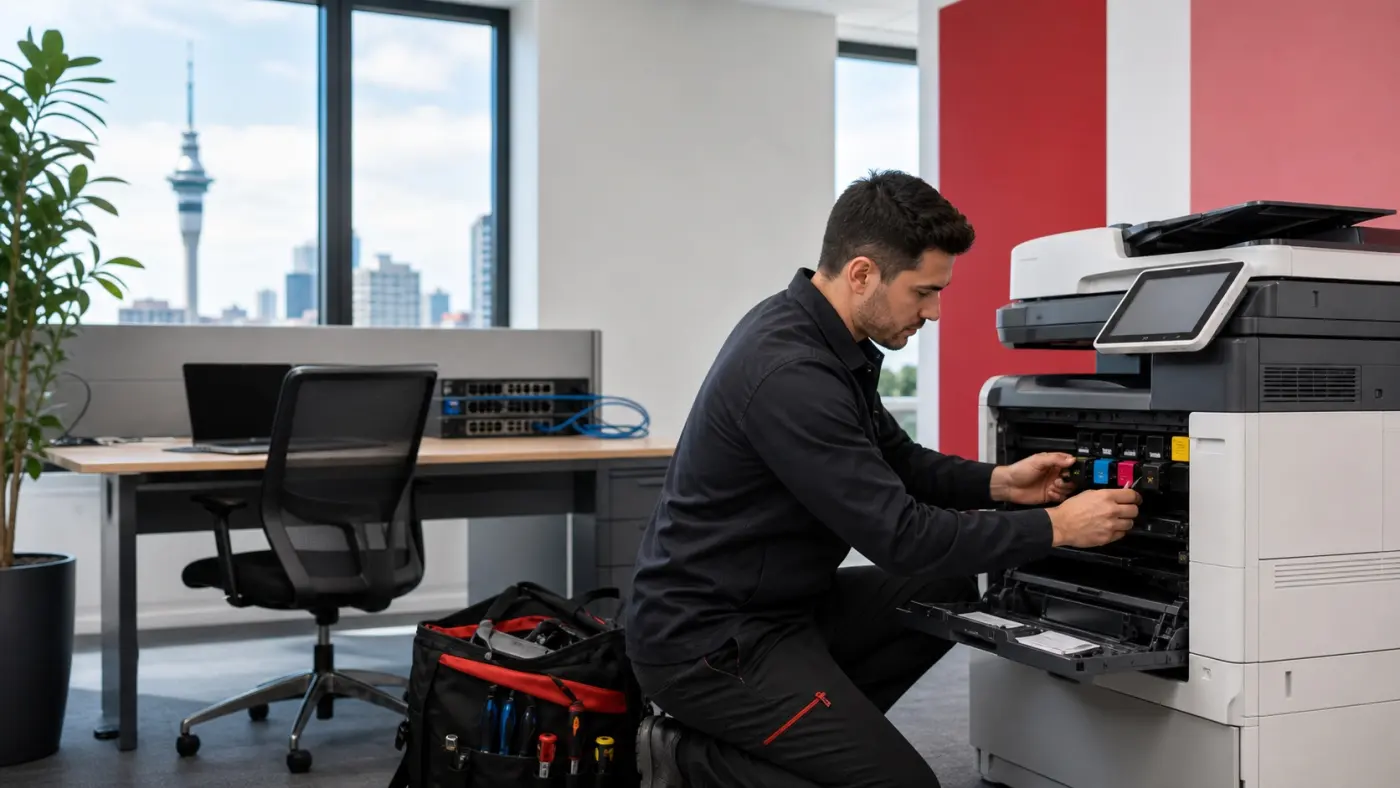
Book service when staff cannot print, scan or finish customer work.
We help decide whether the printer should be serviced onsite or brought into the workshop.
If repair stops making sense, we tell you before more time is spent.
We handle common business printer faults including paper feed issues, streaks, marks, faded output and errors.
We can help when multifunction printers stop scanning, stop connecting or disappear from print queues.
If the issue is caused by toner, drums or parts, we route that clearly instead of guessing.
Printer faults are rarely just a printer problem. They slow admin, customer service, dispatch, accounts and anyone waiting for printed or scanned documents.
Jams can point to dirty rollers, feed issues, worn parts, paper path problems or a printer that needs a deeper look.
Print-quality faults may be cleaning, toner, drum, fuser or maintenance related.
Tell us the error on screen and we can help decide whether a site visit or workshop inspection makes sense.
Scan-to-email, scan-to-folder and multifunction printer connection faults can stop everyday office workflows.
Print queue, driver, network and connection issues can look like printer faults but may need IT-aware diagnosis.
If the same printer keeps failing, we can give practical repair-vs-replace advice.
We help Auckland businesses choose the right next step based on the fault, urgency, location and whether the printer is worth repairing.
For business printers that need a technician onsite because the issue is blocking work.
For printers that can be dropped off and need controlled diagnosis before paid repair work.
Useful for many feed issues, streaks, marks and routine service problems.
Help with scan-to-email, drivers, queues, shared printers and network printing problems.
We identify when the problem is consumables, parts or maintenance rather than technician time.
Clear advice when repair cost, age or reliability makes replacement the better business option.
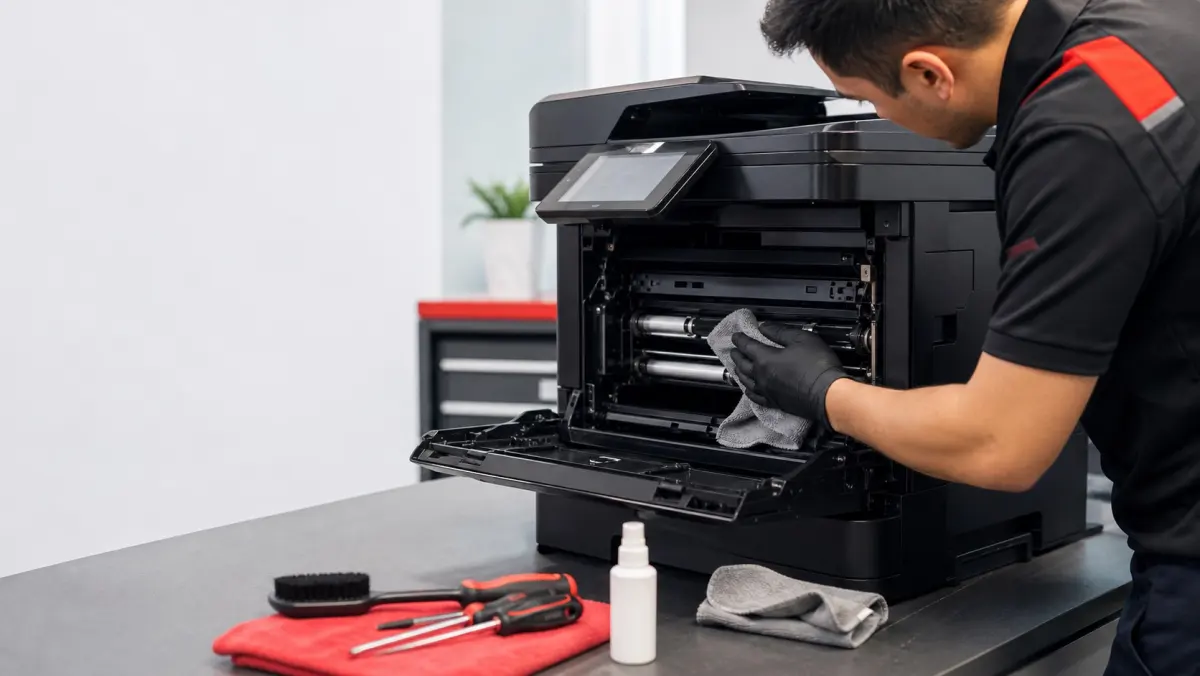
Ideal for paper jams, marks on pages and streaky prints. A clean can solve many printing quality and feed issues, but parts, toner or replacement may still be needed for other faults.
Send the printer model, location, fault, urgency and any error shown on screen.
We decide whether onsite service, workshop inspection, cleaning, toner or replacement advice is the best next step.
We contact you with the practical plan, expected cost path and what we need before work starts.
A technician or team member handles the agreed action and flags follow-up if the printer is no longer worth repairing.
Tell us what is happening and Citywide will confirm the right next step. For urgent issues blocking work, call 0800 302 080.
We can do both. If the printer is at your business and the fault is affecting staff, we can arrange onsite service. Onsite printer work has a call-out / first-hour charge of $179 + GST. If you bring the printer to our workshop, we charge a $50 + GST inspection fee first. We only charge extra repair time if we are able to fix the printer, at $129 + GST per hour.
A professional clean can help with many paper jams, feed issues, streaky prints and marks on pages. If the problem is caused by toner, drums, worn parts, a sensor fault or another failure, we will tell you the next best option before going further.
Yes. We supply toner, ink, drums and selected parts for common business printer brands. If you know what cartridge you need, search toner and ink in the online store.
If the printer is older, keeps failing, needs expensive parts or costs too much to run, replacement may be better than another repair. We explain the practical path after checking the fault, model and how important the printer is to your team.
Send the printer make/model if you know it, the fault shown on the screen, whether it is jamming or printing poorly, and how urgent it is. If you are not sure, just describe what is happening and we will help route it.